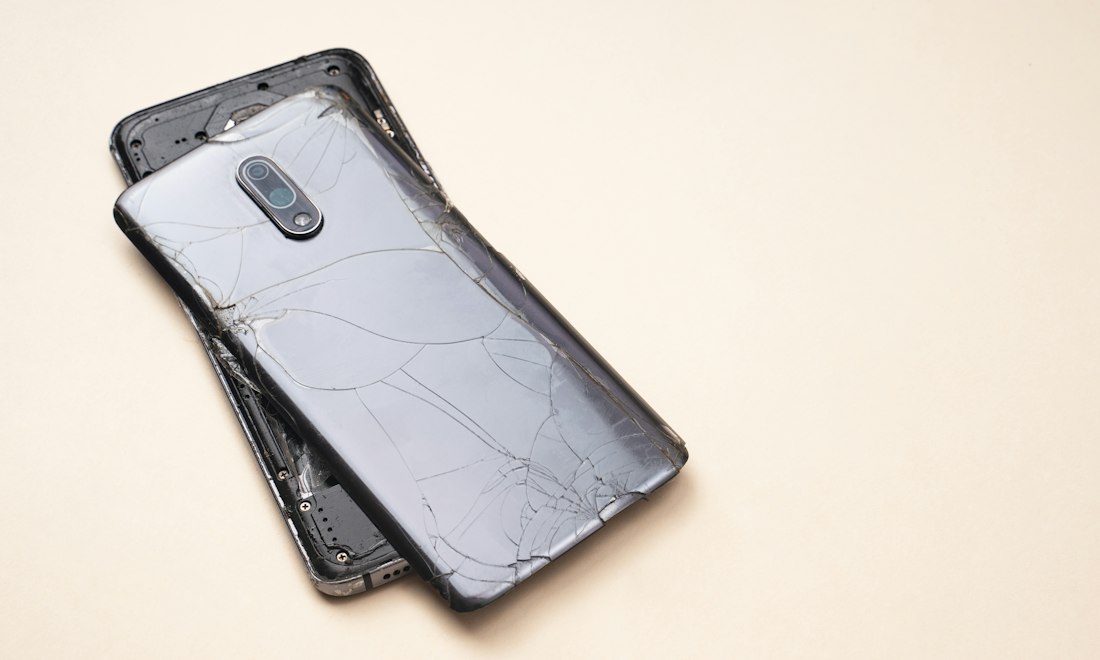
Dropping a smartphone can damage the outer glass, display panel, touch sensor, housing or several components at once. A crack may look minor but still require careful inspection. The safest response depends on the severity of the damage.
Assess whether the phone is safe to use
If the screen has sharp exposed glass, the handset is bent, the battery appears swollen, or the device is overheating, stop using it and ask for professional guidance. Never press on a swollen screen or try to flatten the phone.
Check display and touch function without forcing it
When the device is physically safe to handle, note whether the display shows normal colours, flickers, has black patches or responds incorrectly to touch. These symptoms help describe the fault, but do not prove that only one component needs replacement.
Back up important files
If the phone is functioning normally and safe to operate, back up essential photos, contacts and files before handing it over. Damage or repair can sometimes lead to data loss, and not all data can be recovered from a failed device.
Keep the device dry
A cracked screen or damaged housing can compromise water resistance. Avoid splashes, rain and damp environments until the handset has been assessed. Previously advertised resistance ratings may no longer be reliable after an impact.
Avoid improvised repairs
Do not pull away loose glass, apply household glue or attempt to heat the screen apart without proper equipment and training. Modern smartphones often contain delicate cables, adhesive seals and lithium-ion batteries beneath the display.
Prepare for an assessment
Record the exact phone model, when the damage occurred, whether the touch screen still functions, and whether the phone has had previous repairs. If safe, photographs can help document visible damage before service.
Ask what the quotation includes
Before approving repair work, clarify the type of replacement part, expected labour cost, time estimate, functional testing and any repair-specific warranty. The overall quote may differ depending on whether the display, digitiser, frame or other components are damaged.
What if the screen is completely black?
A black screen can indicate display failure, a power issue, connector damage or another fault. A full diagnosis may be needed rather than assuming a screen replacement will solve the problem.
After the repair
Check display brightness, touch response, cameras, speakers, biometric features where applicable and charging before leaving the repairer. Ask whether any water-resistance claim can still be made.
Explore repair information
Read our phone repair FAQ or visit repair services for information about assessment enquiries and common faults.